Nine small apps, drawn like the shell.
Each is its own window in the launcher and the dock, in your colourway and with the shell's icons. They do one thing each, and they open in an instant.
Clock
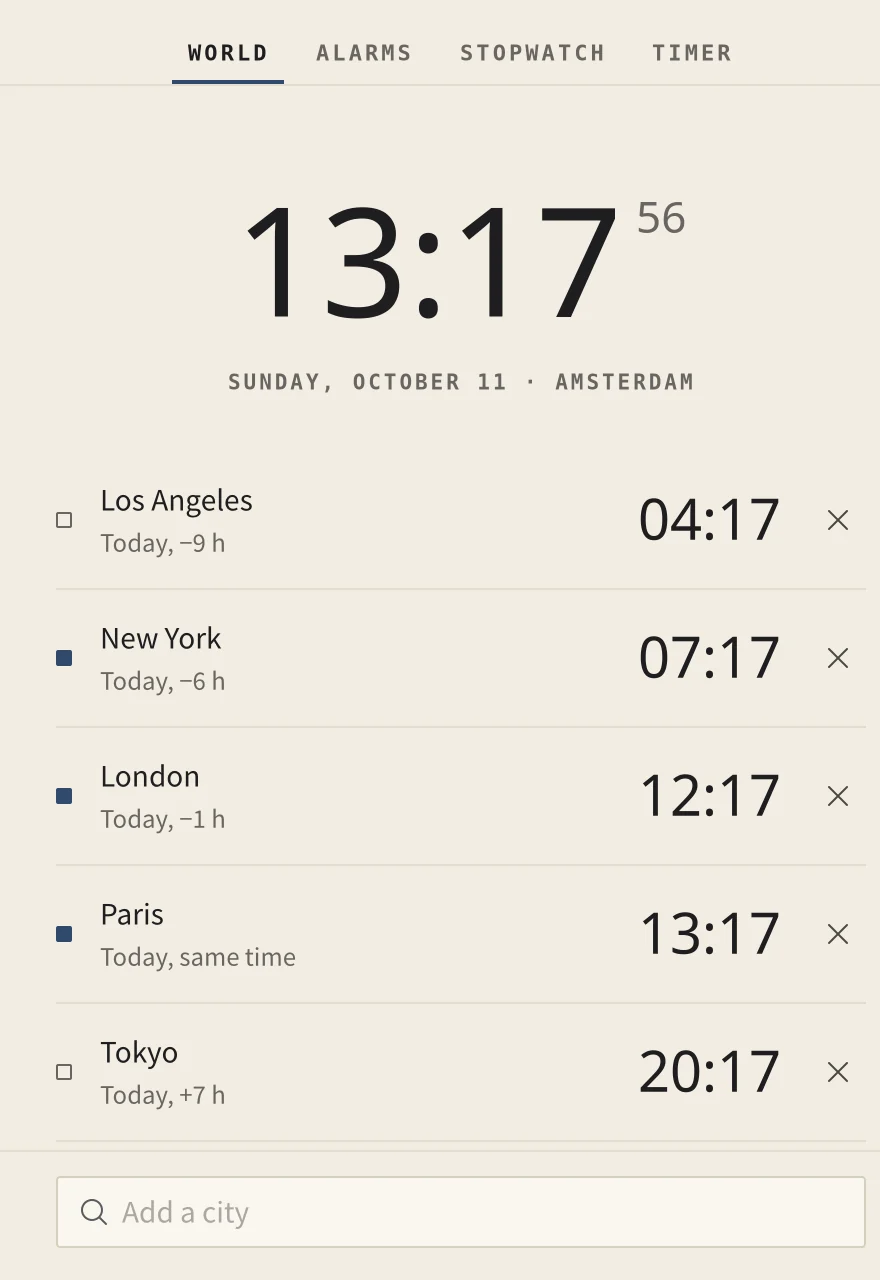
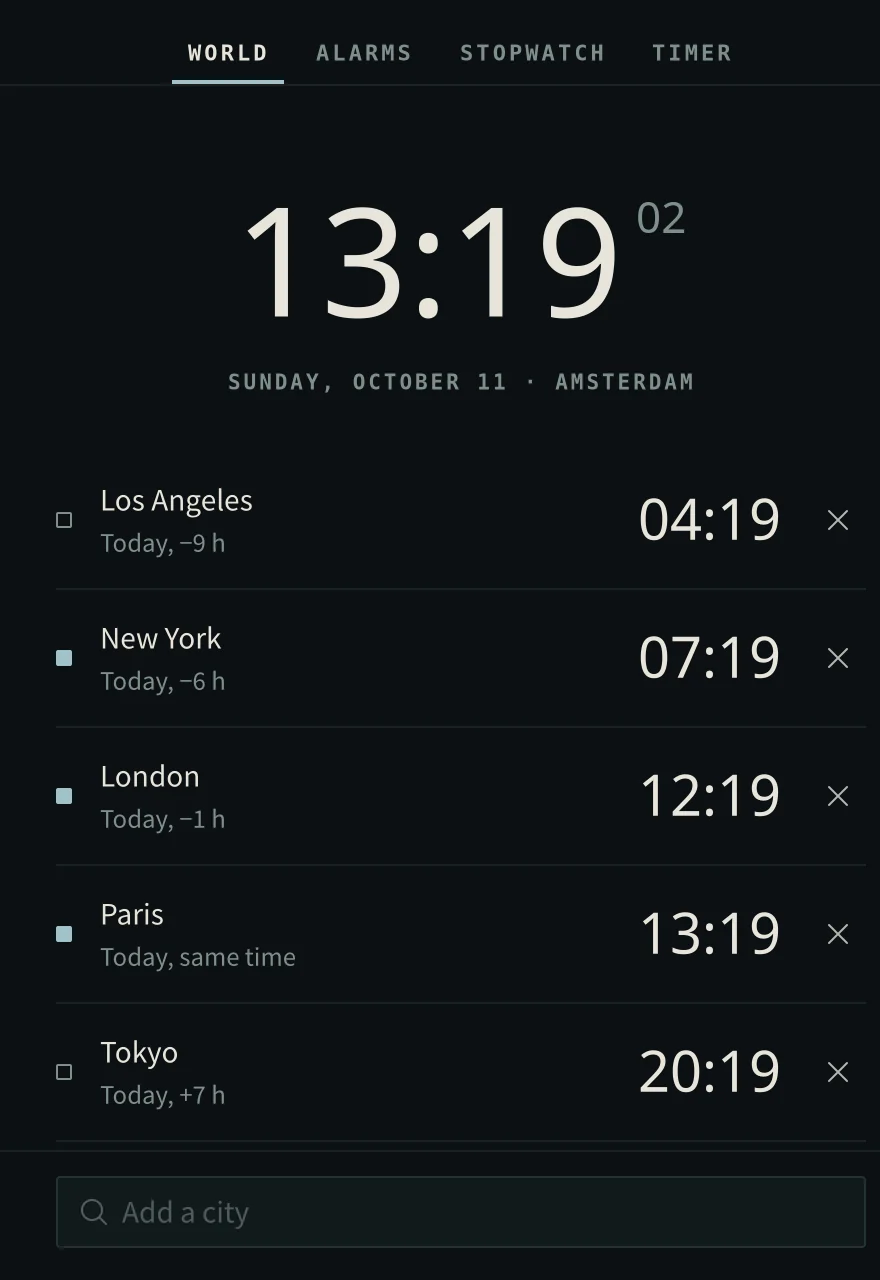
World clocks at a glance, alarms that ring even when Clock is closed, a stopwatch and a timer.
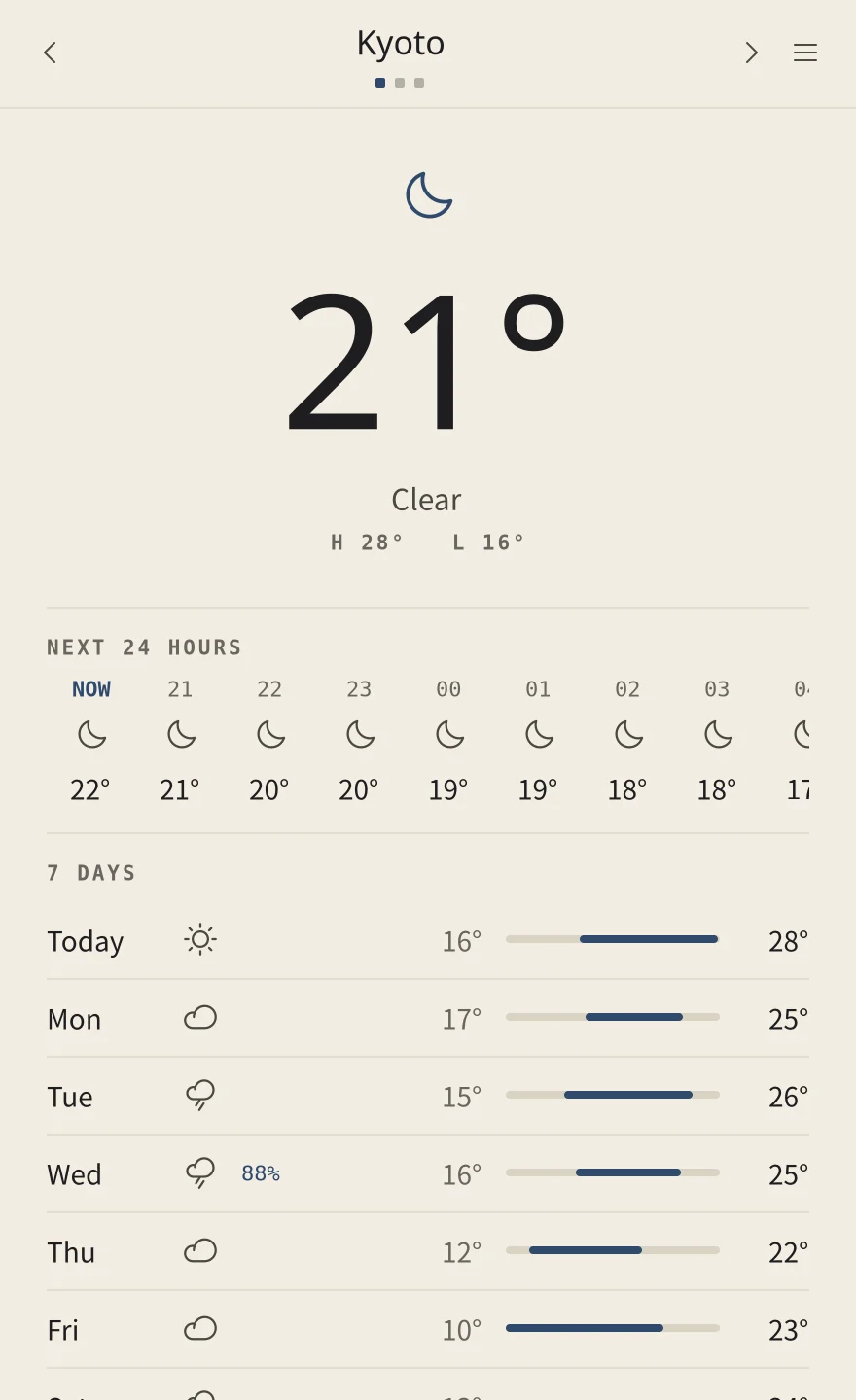
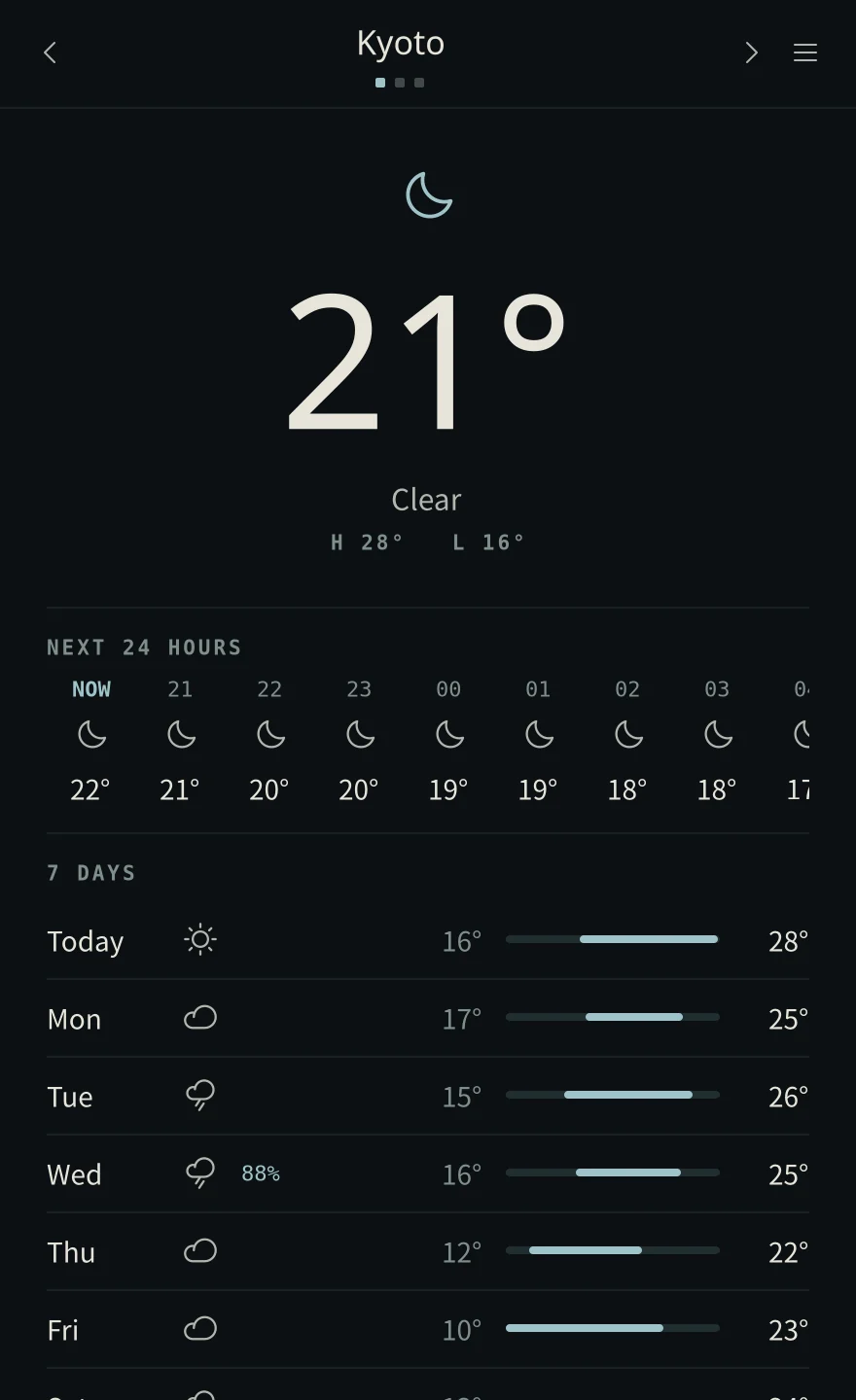
Weather
The weather now, for the next 24 hours and the next seven days, for the places you keep. From Open-Meteo, with no account.
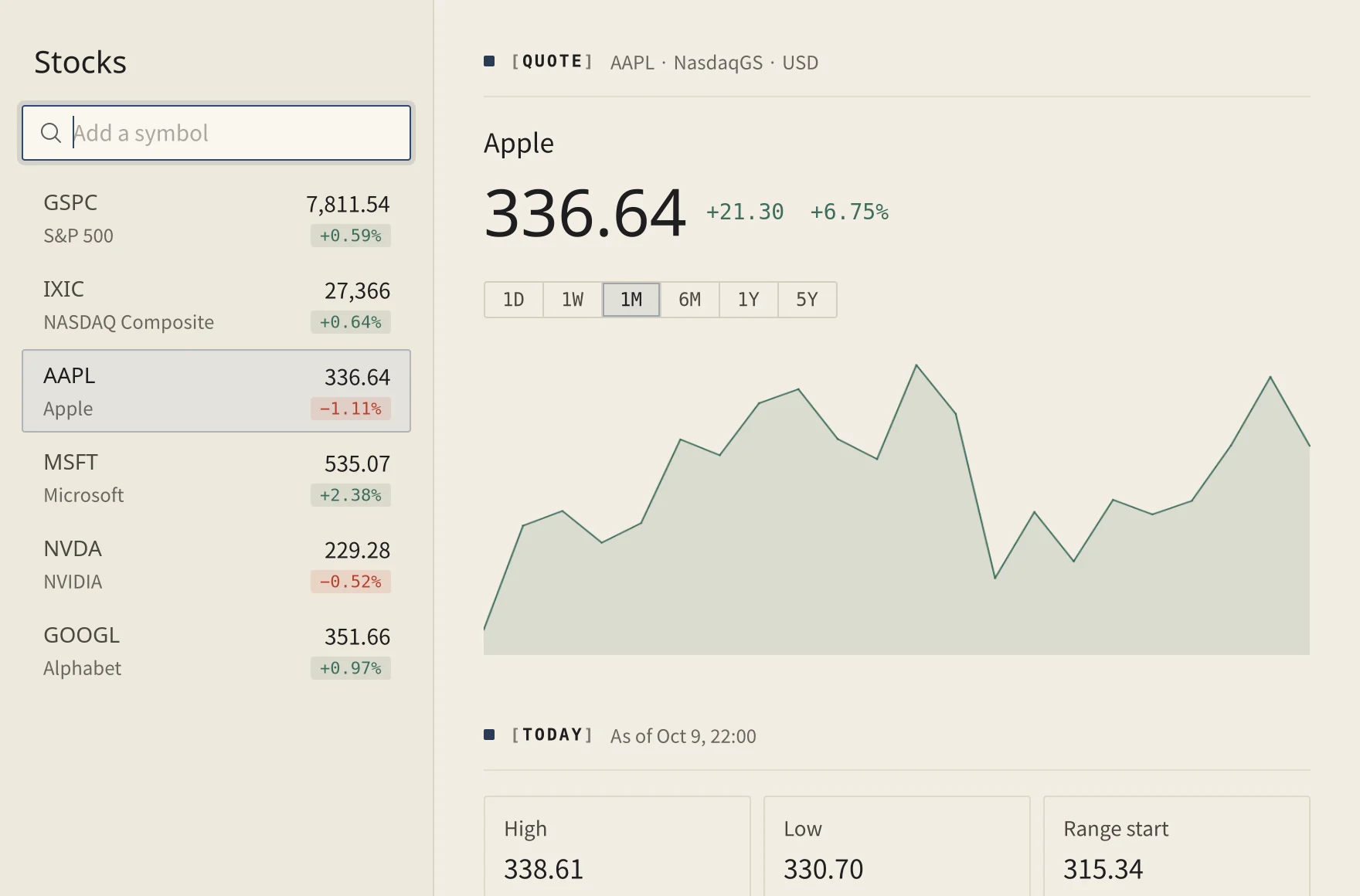
Stocks
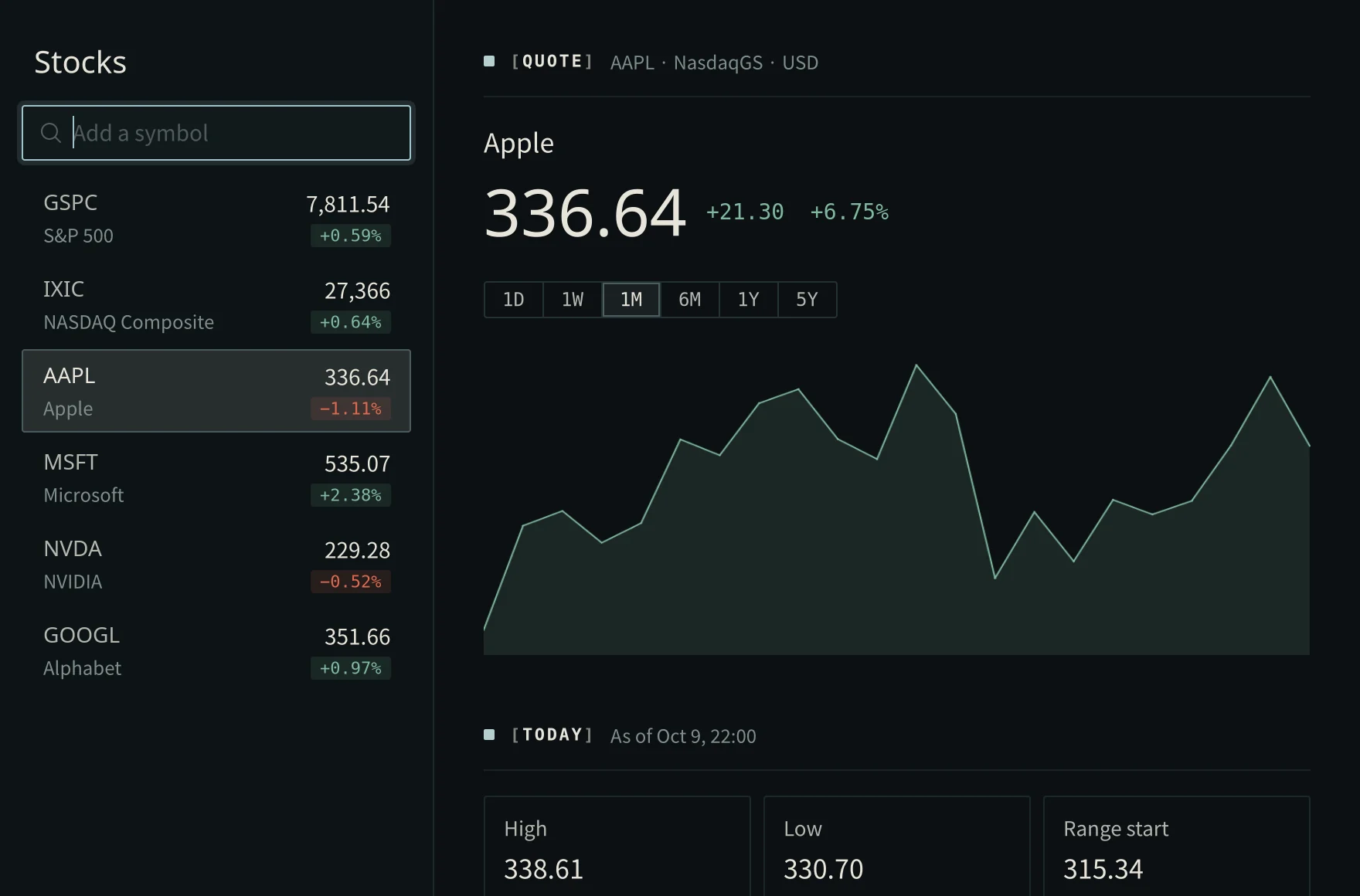
A watchlist with a chart for each, from a day to five years.
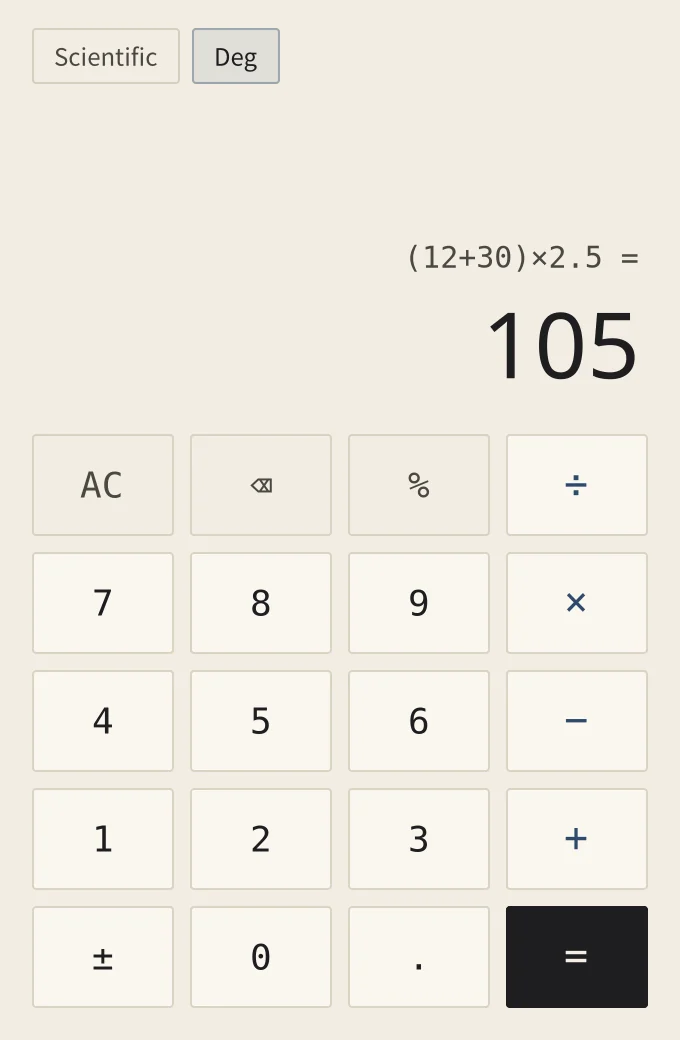
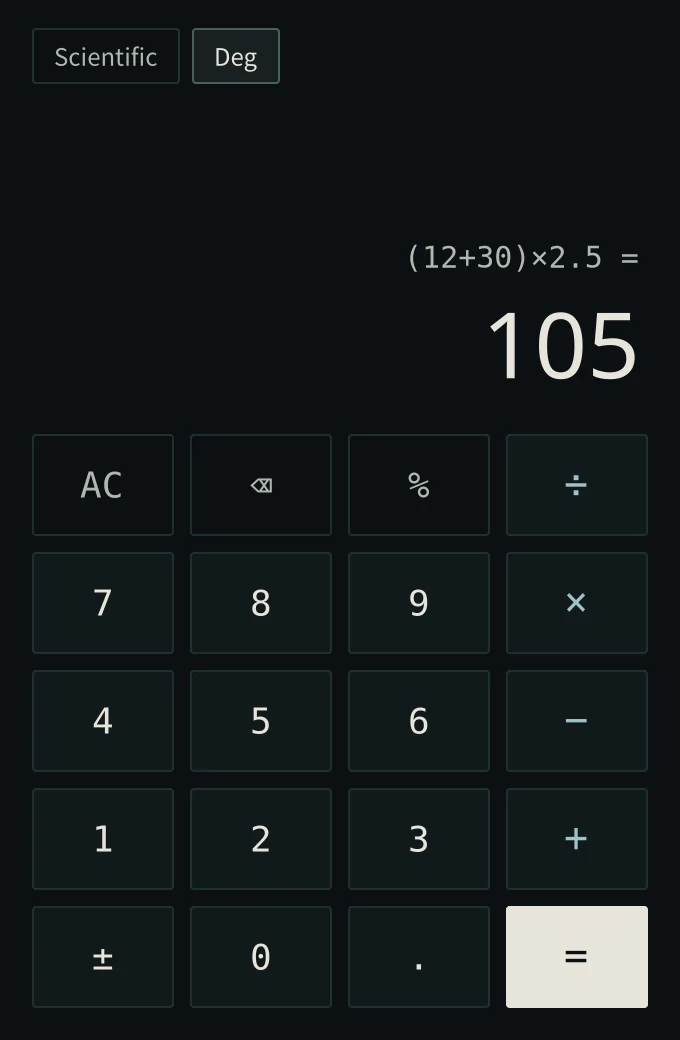
Calculator
Type or click; the answer is there as you go. Scientific keys when you want them.
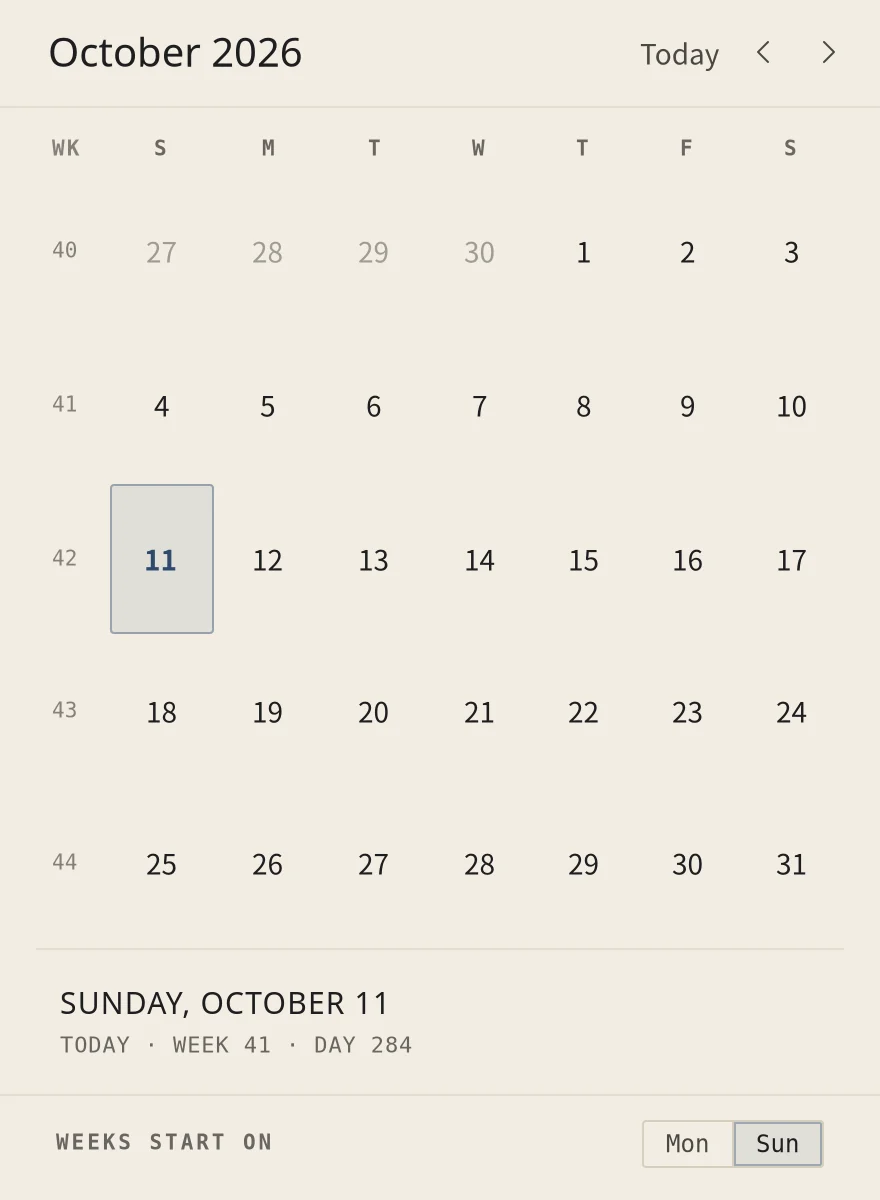
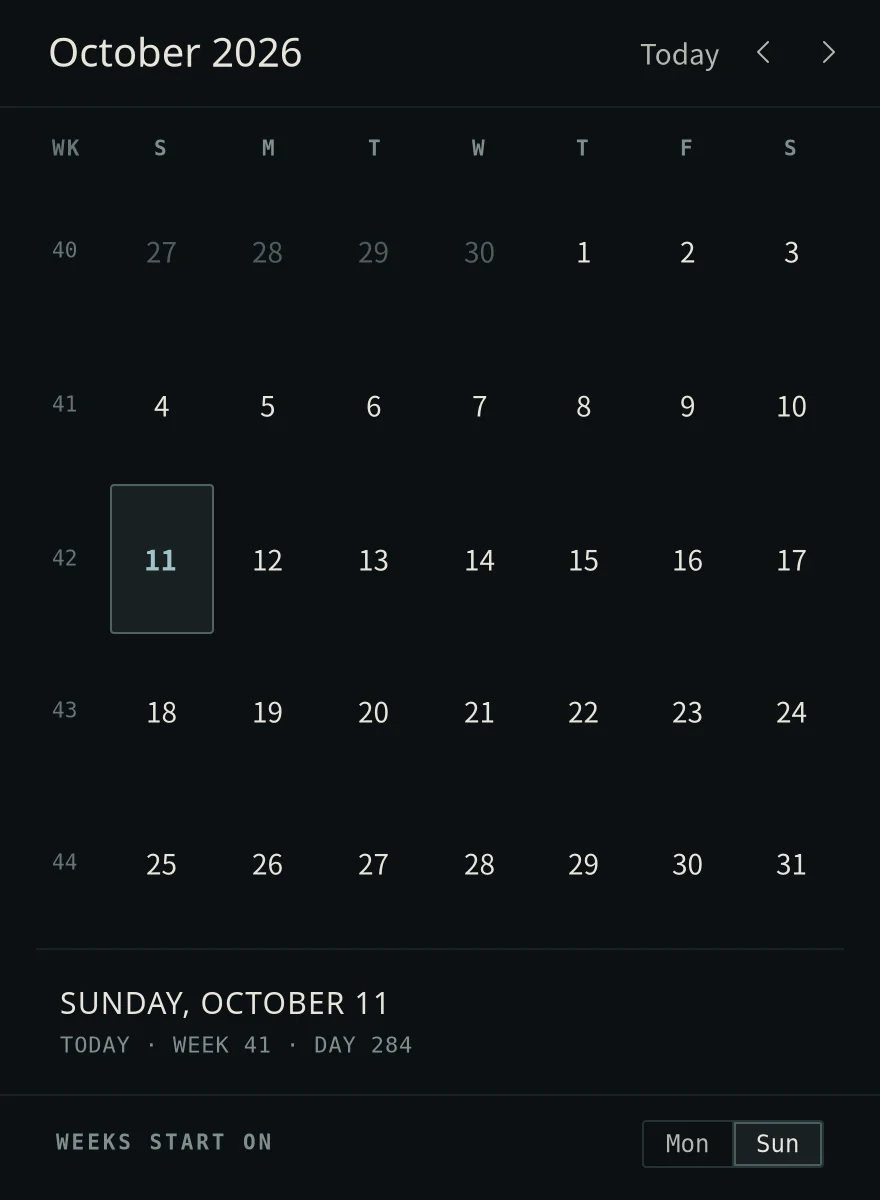
Calendar
The month with week numbers. Pick a day to see how far it is from today, its week and its day of the year.
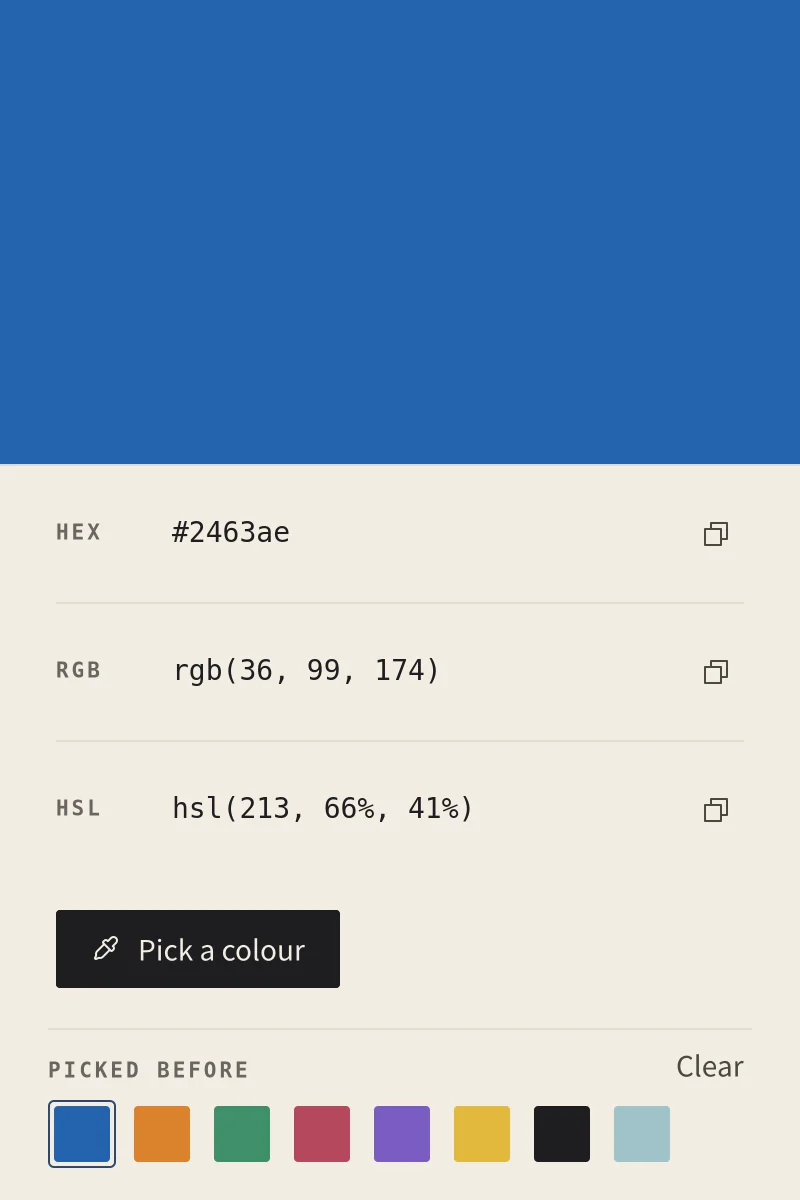
Color Picker
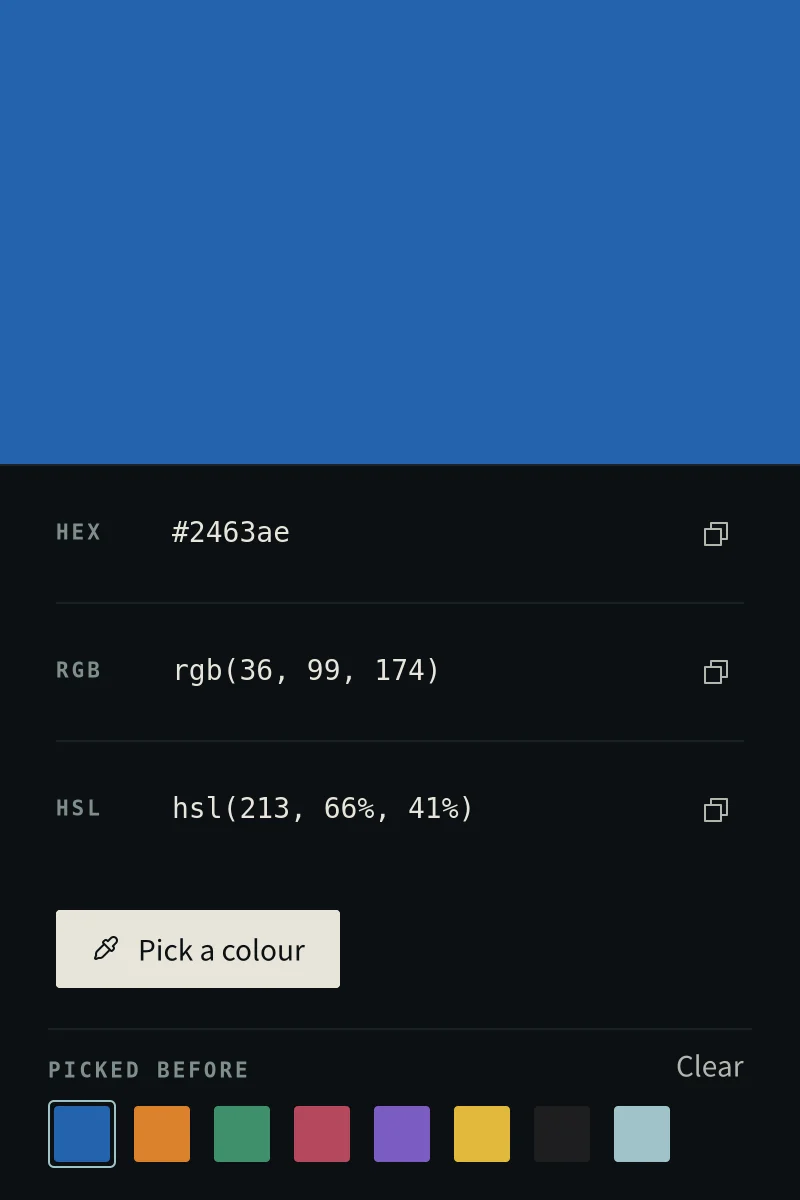
Pick any colour on the screen with a loupe, then copy it as hex, RGB or HSL. The colours you picked stay at hand.
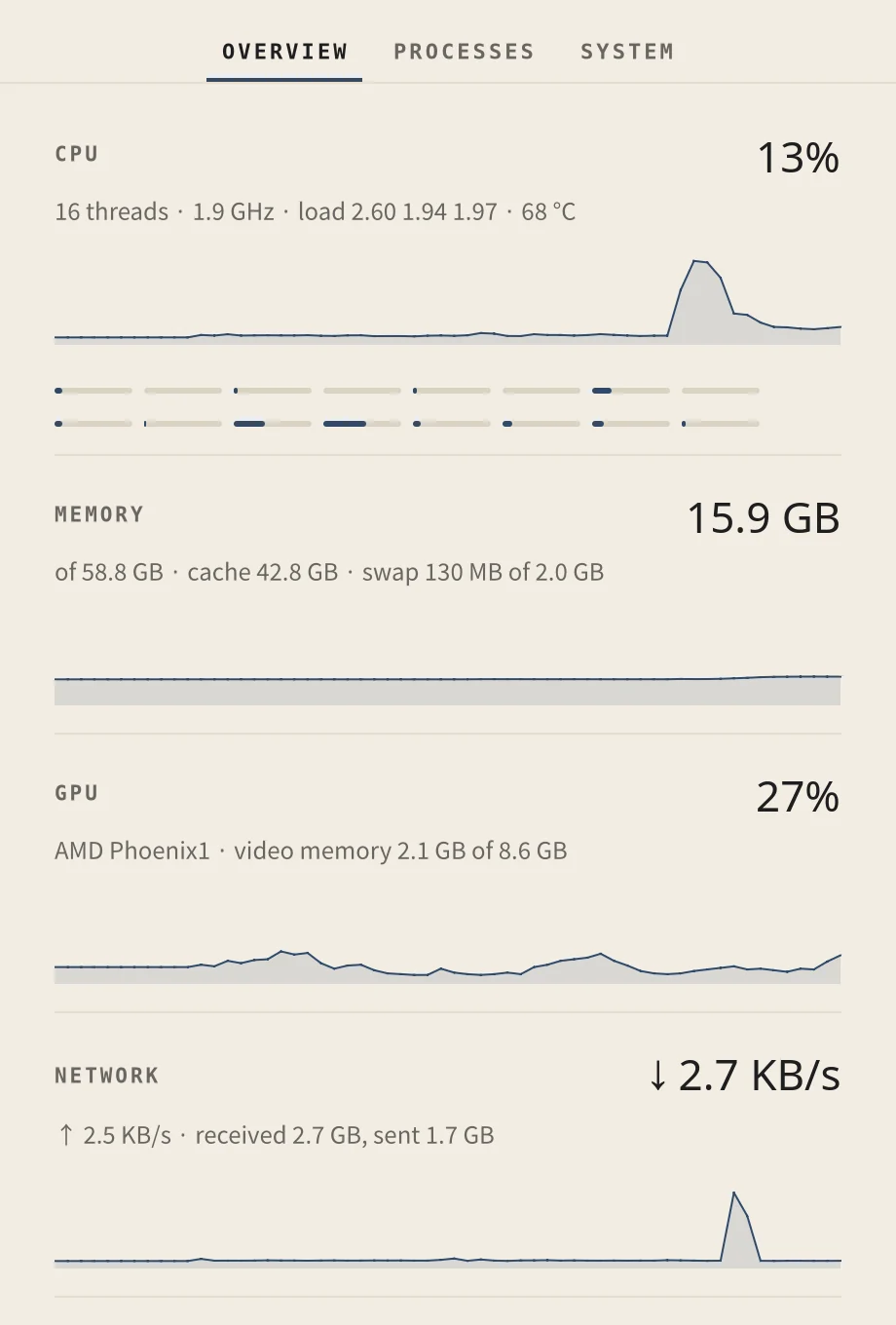
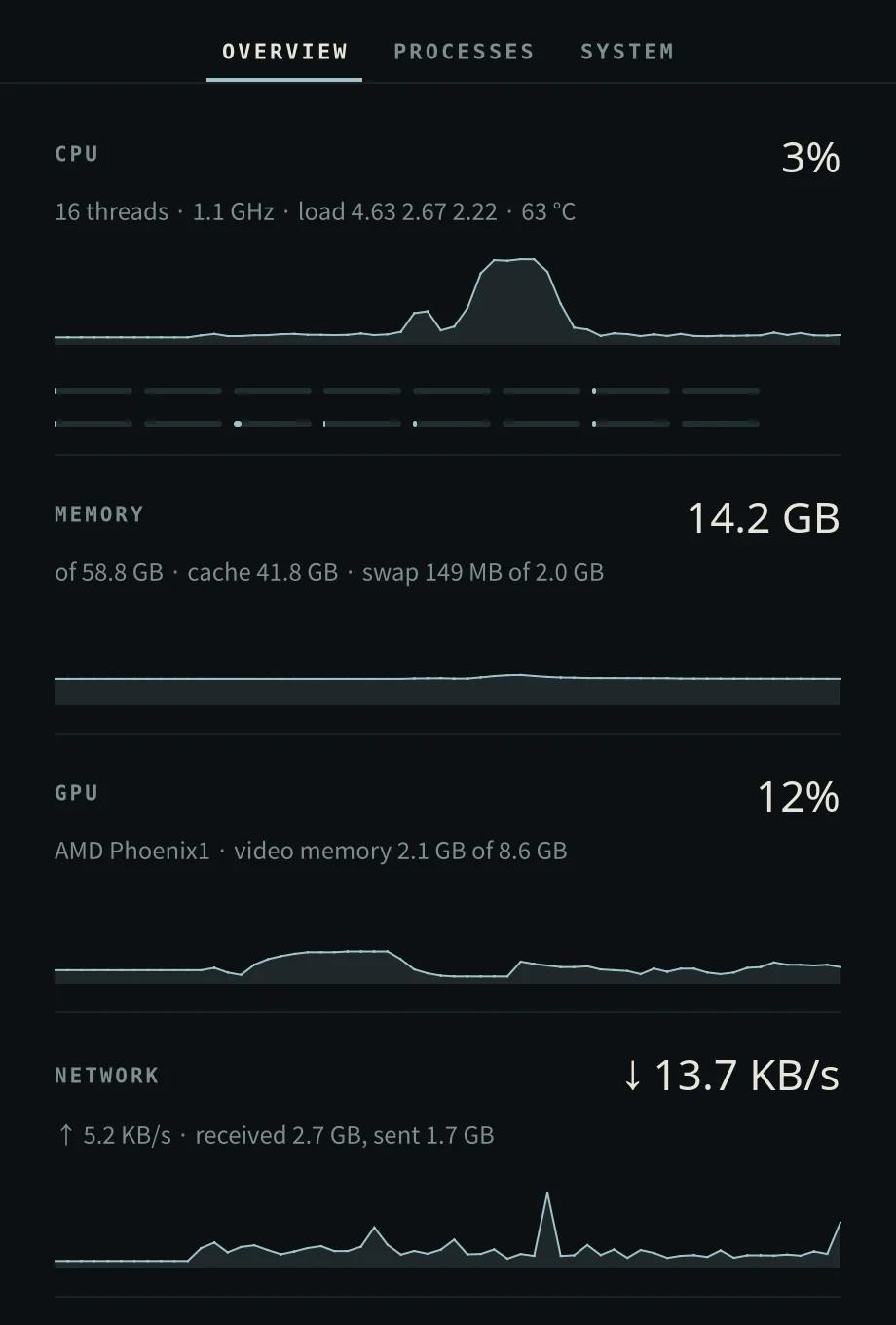
System Monitor
Every core, memory, the GPU, network and disks with their last minute. Open any process to see what it uses, and end it gently, firmly, or with its children.
Tailscale
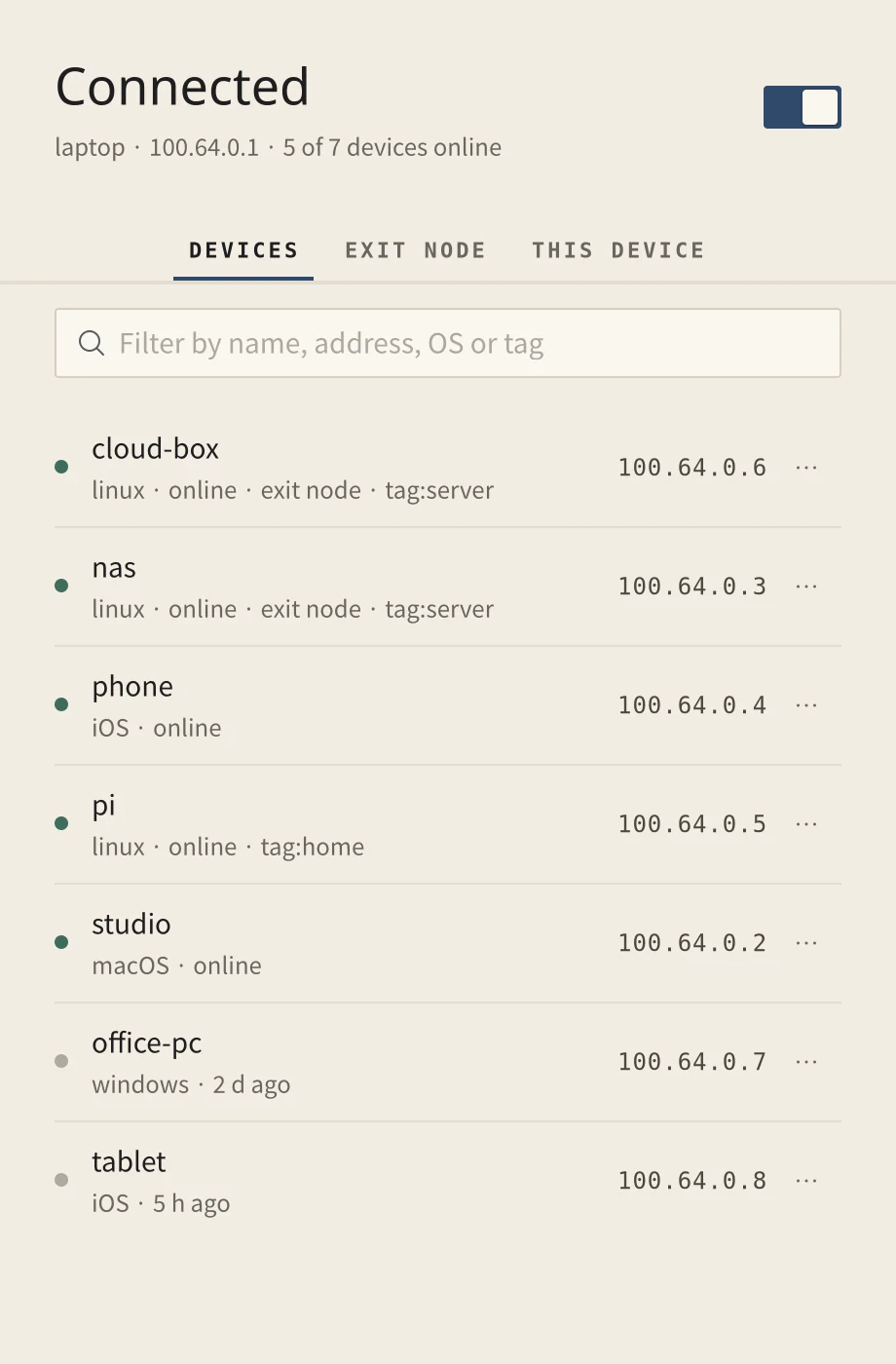
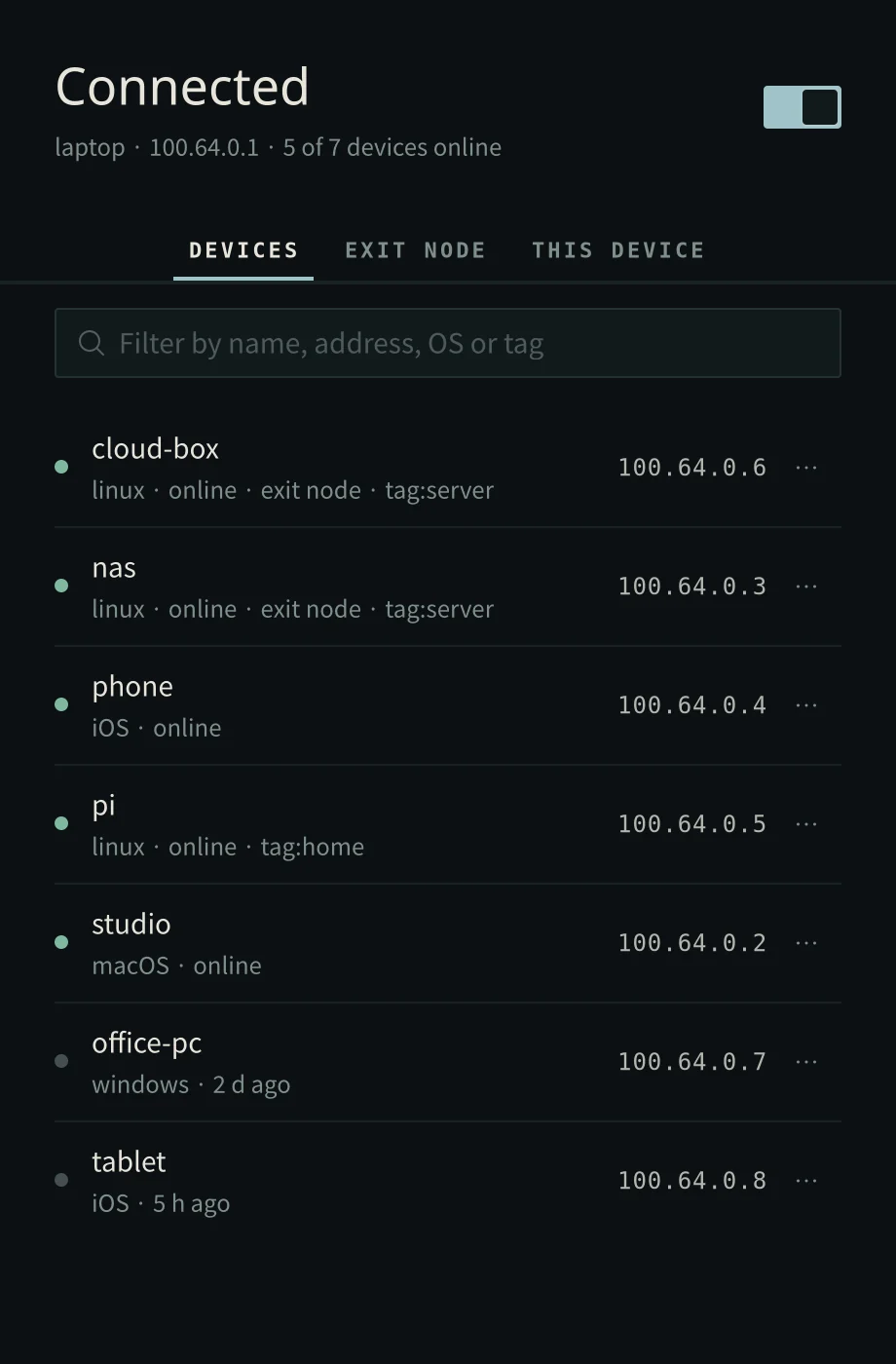
Your tailnet's devices, online first, with their addresses one click away. Ping them, send them files, pick an exit node, and change this device's settings.
Viewer
Step through a folder of images with the next ones already loaded. Zoom, rotate, play animations, read a photo's details, or set it as your wallpaper.
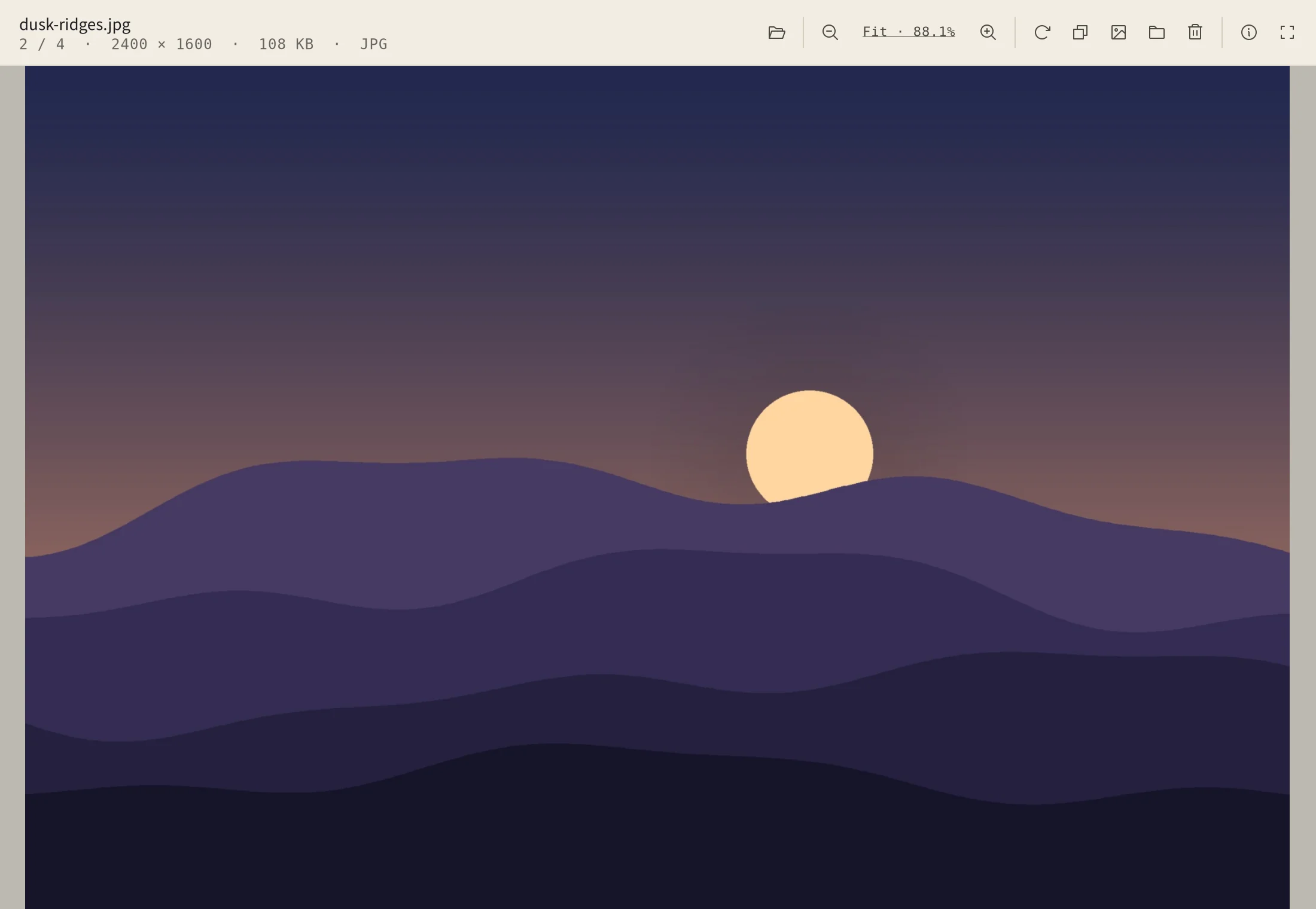
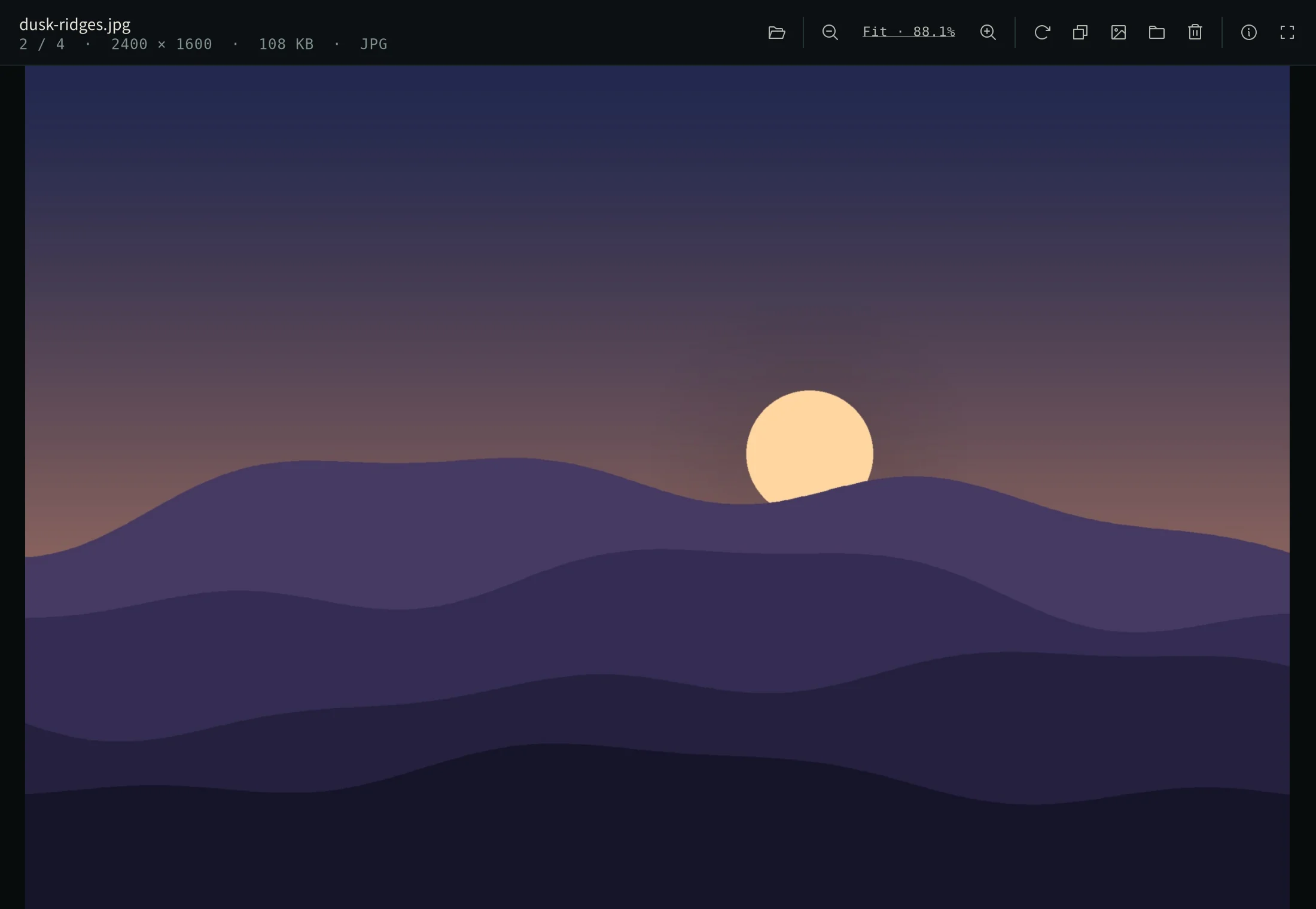
Wherever you reach for them.
- Launcher
- Type a few letters of the name.
- Dock
- The drawer at the end of the dock holds them all.
- Command
inua-apps clock,inua-apps tailscale…
Each runs once: opening it again brings its window to you, on the workspace you are on.